Shopping cart
The Shopping Cart is a 3rd party add-on that allows the user to add products to a cart, and allows users to “check out” by sending the product list to a store of their choice. The shopping cart icon is located in the header. Please refer to Morph documentation for more information.
- Examples in-situ
- Specification
- Usage
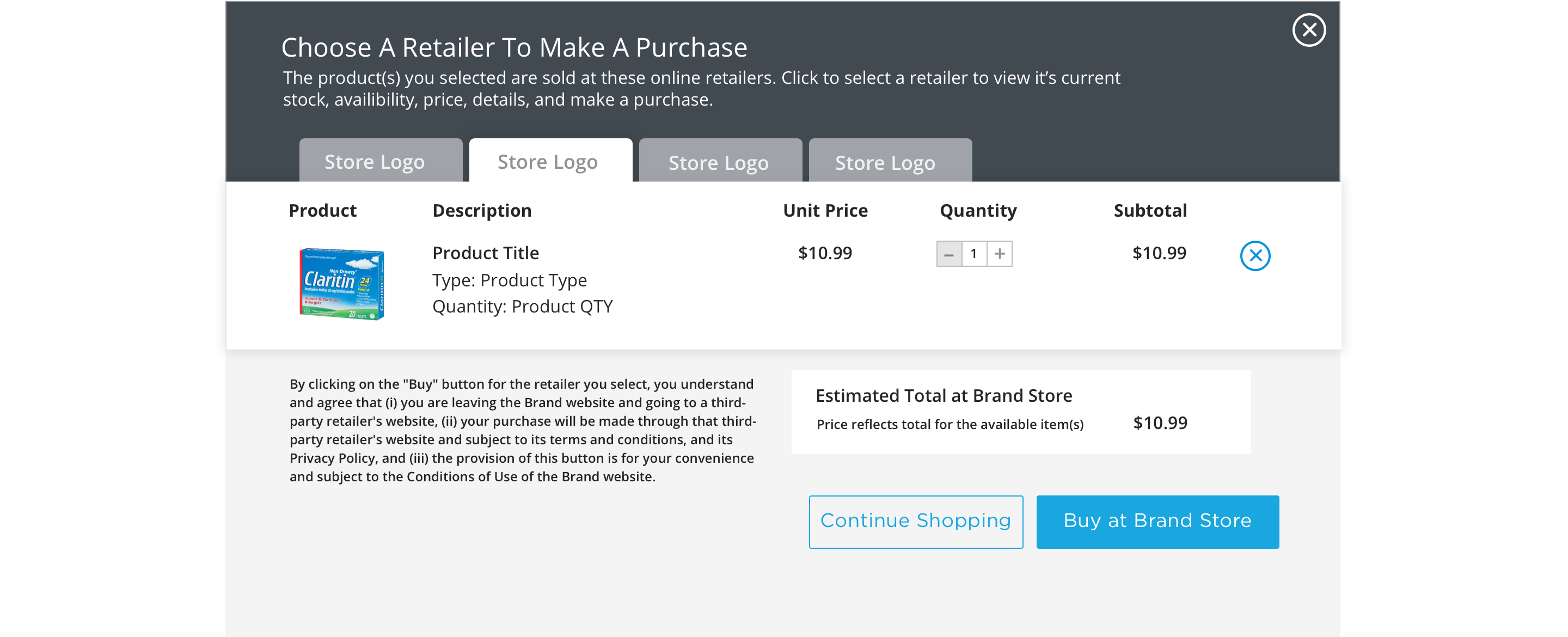
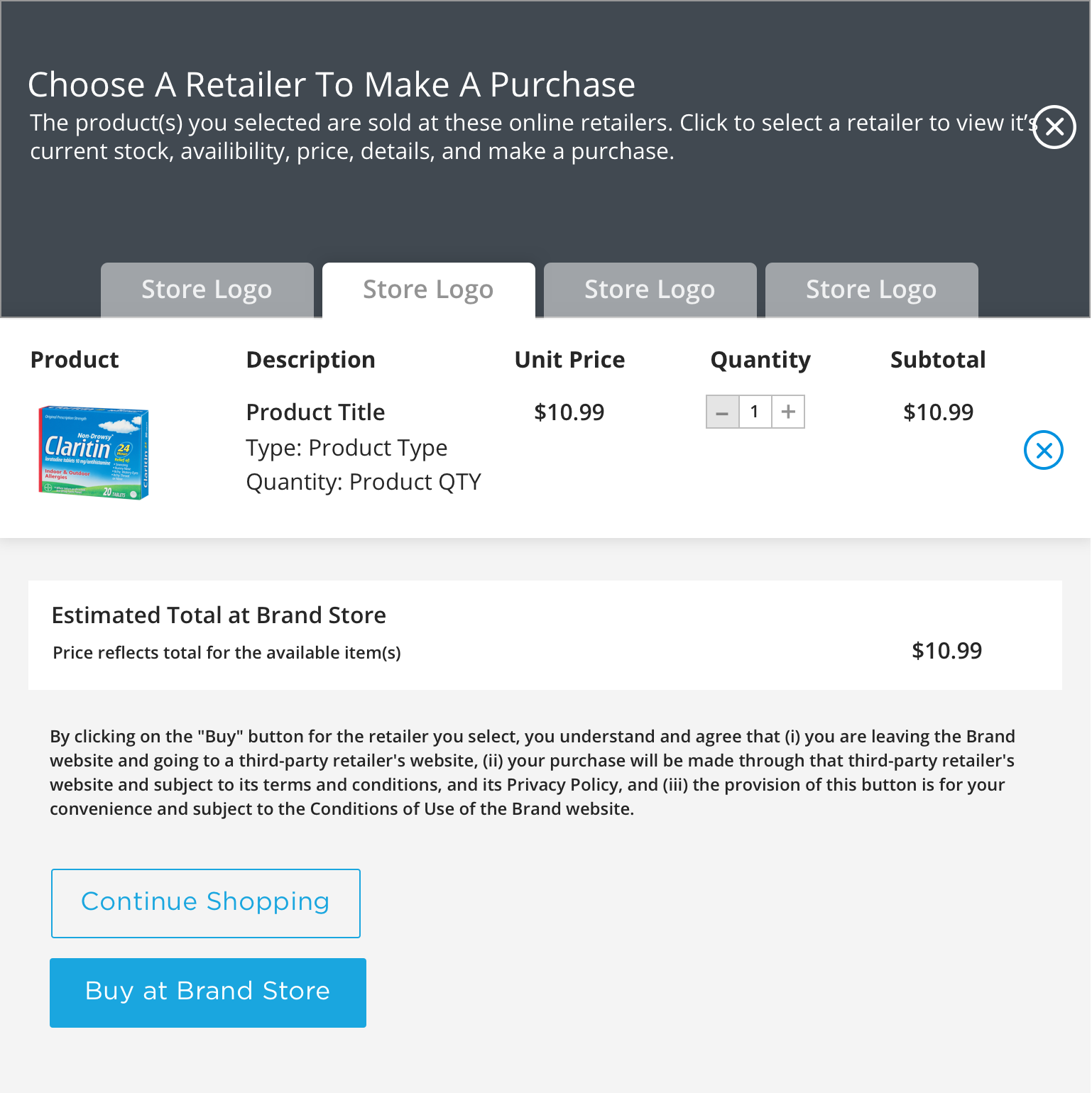 Tablet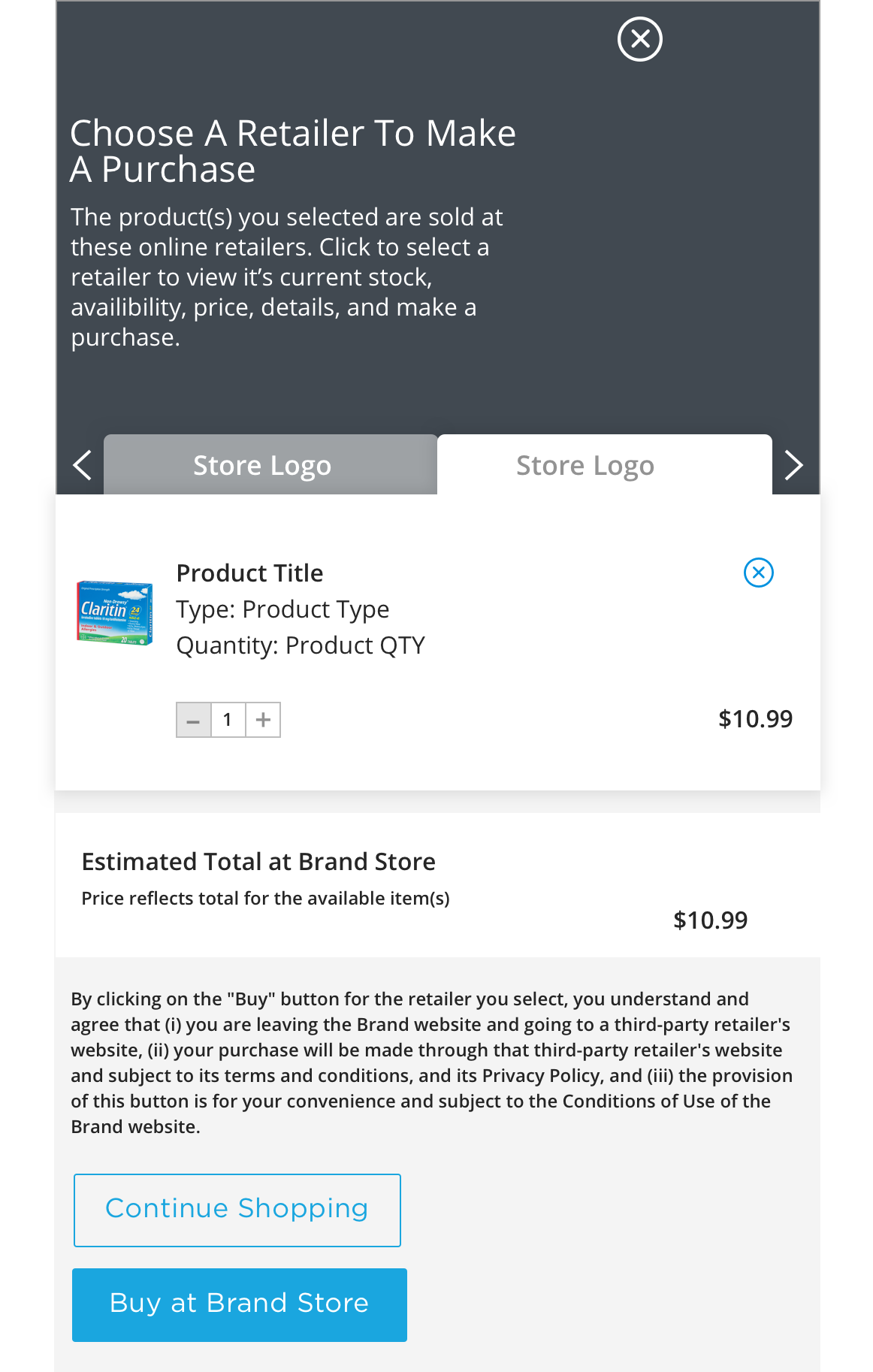
Specification
This provides guidance on the build, layout and content options for this component.
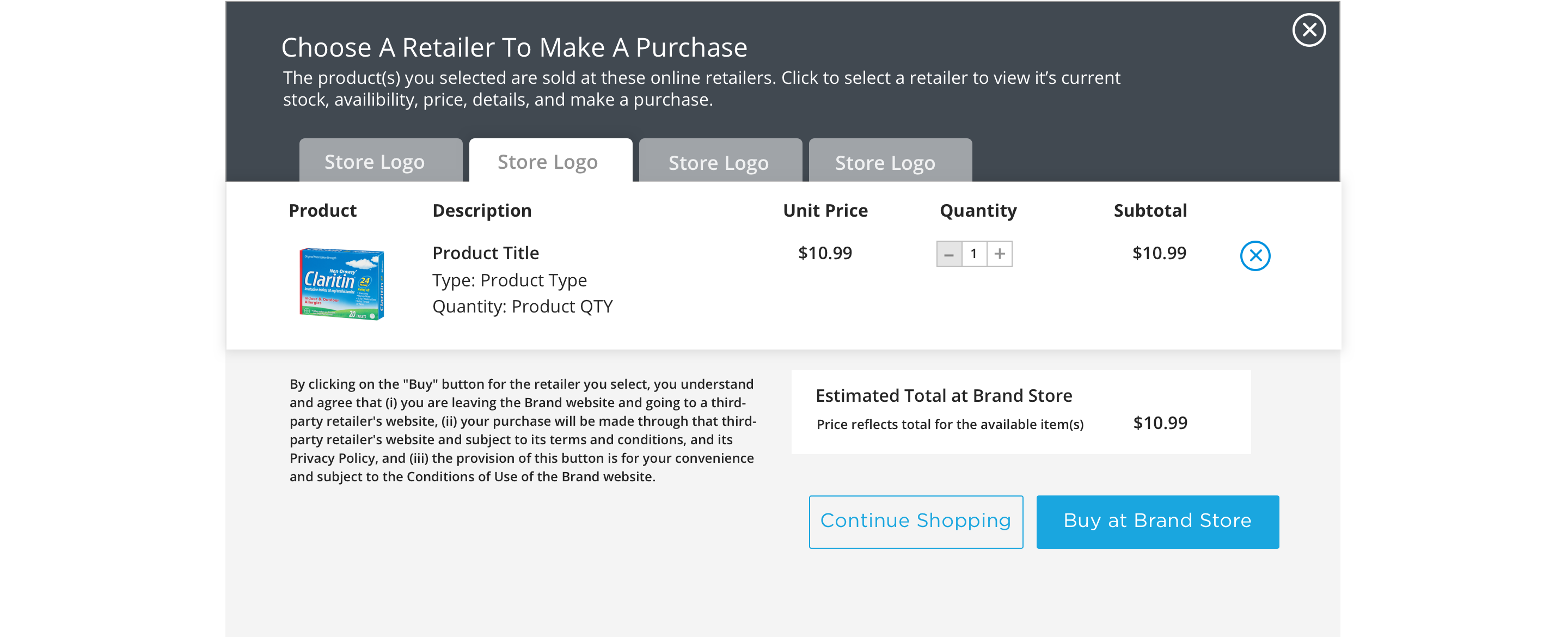
Layout specification
| Component item | Requirement & purpose |
|---|---|
| Icon | Brand needs to set requirements. |
| Colour | Defined by the Brand website style guide. |
Interaction
These are the interactive aspects of the component.
| Interaction |
|---|
| See guidance on buttons |
General usage dos and don'ts
| ✅ Do's | ❌ Don'ts |
|---|---|
| ACCESSIBILITY The same guidelines that apply to any user form also apply to the shopping cart. The state of the cart and its contents have to be conveyed both to browsers and screen readers. Buttons should have clear labels that describe the action that occurs when clicked. Functionality to add/remove and update the contents should be available to web browsers and screen readers. | |
| The ratings and reviews function is managed by a 3rd party and with that are criteria around the solution and its integration. There is a cost associated with the capability and it will need to be managed as part of brand budget. While the solution does not drive significant revenue, it is more about the consumer experience and positioning the Bayer Brands as innovative and reducing any barriers to purchase. | |
| Read our guidance on imagery. |