Additonal navigation
The Additional navigation component allows the user to display 5 links as additional navigation to be displayed on the page. These link blocks can be styled within the menu's section within the SGM.
It is important to note that this component is designed to be used with no less than 5 links.
- Overview
- Specification
- Style Guide Manager
- Usage
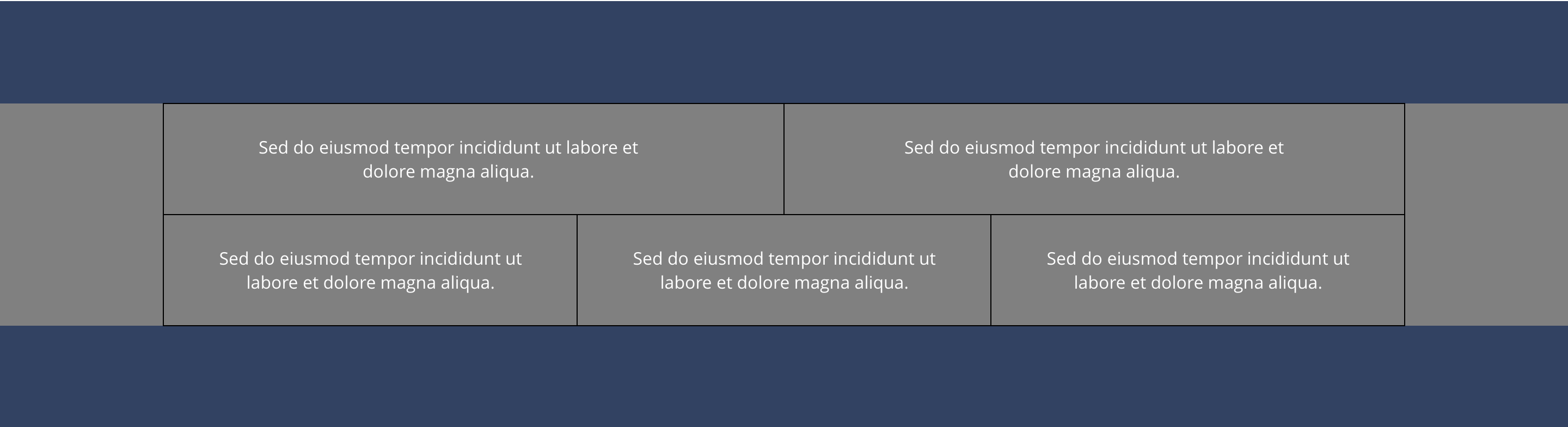 Desktop
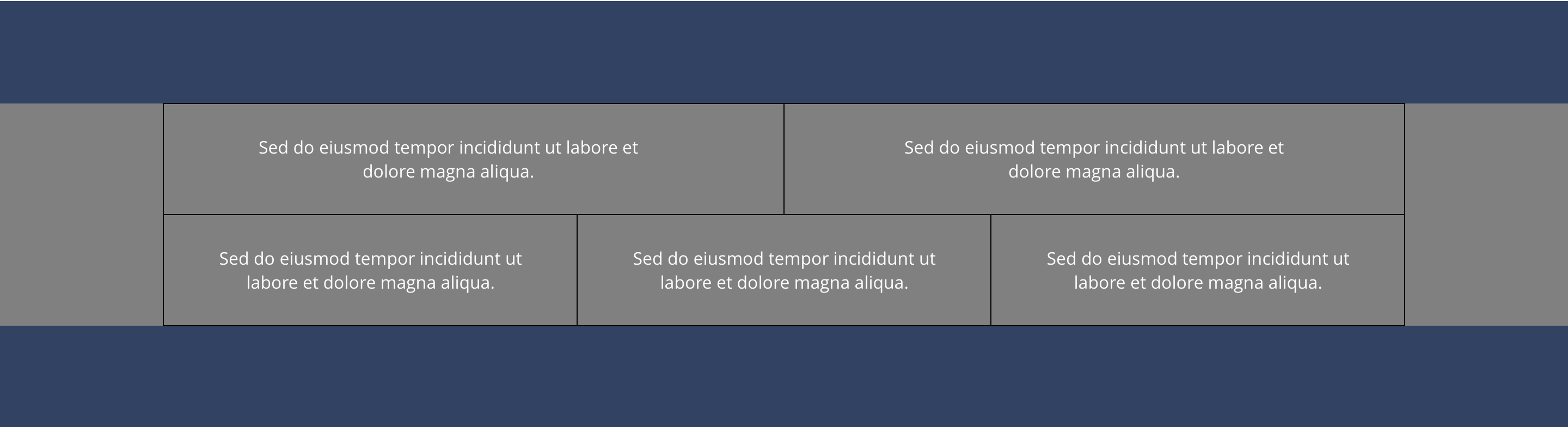 Desktop
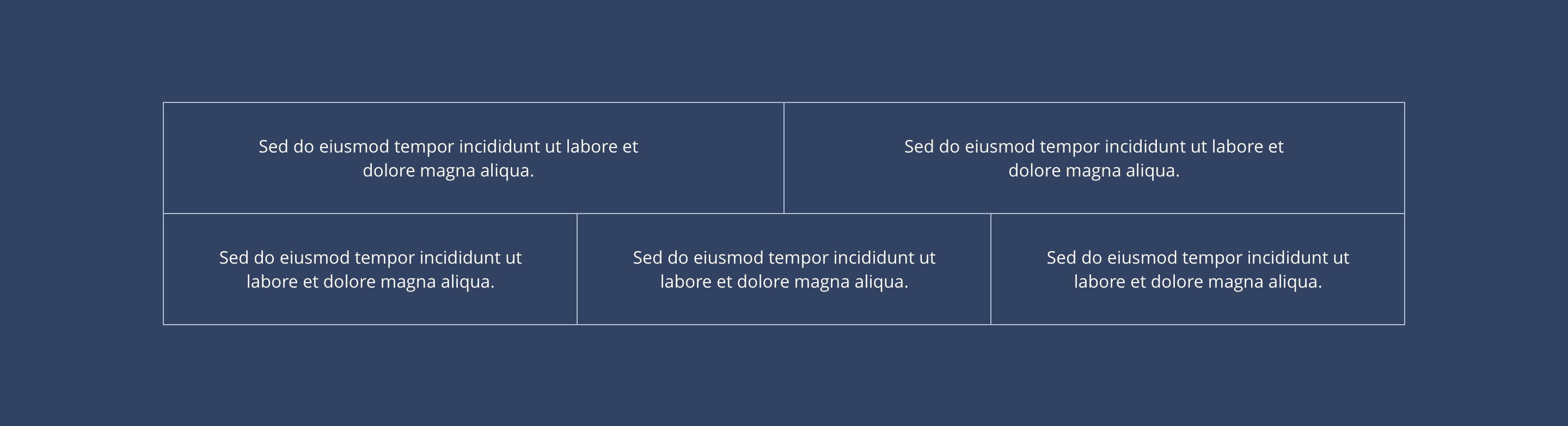 Mobile
Customisation Options (Per link)
| Background colour | Allows the user to set a background colour on the entire block. | Optional | Choose from the colour palette. |
| Background colour hover state | Allows the user to set a background colour hover state on the buttons as part of the background. | Optional | Choose from the colour palette. |
| Border colour | Sets the border colour. | Optional | Choose from the colour palette. |
| Font colour | Sets font colour. | Optional | Choose from the colour palette. |
| Font colour hover state | Allows the user to set a font colour hover state. | Optional | Choose from the colour palette. |
Default Configuration Options
| Background colour | Allows the user to set a background colour on the entire block. | Optional | Choose from the colour palette. |
| Background colour hover state | Allows the user to set a background colour hover state on the buttons as part of the background. | Optional | Choose from the colour palette. |
| Border colour | Sets the border colour. | Optional | Choose from the colour palette. |
| Font colour | Sets font colour. | Optional | Choose from the colour palette. |
| Font colour hover state | Allows the user to set a font colour hover state. | Optional | Choose from the colour palette. |
These are the Style Guide Manager settings that are specific to this content type. For global settings see the Style Guide Manager section.
Additional navigation
| Property | Requirement & purpose | Default | SGM override |
|---|---|---|---|
| Boxed active state | Sets the site wide colour for the button | Dark grey | Choose from colour palette. |
| Boxed hover state | Sets the site wide hover background colour for the button. | Grey | Choose from colour palette. |
| Boxed border colour | Sets the site wide border colour for the Additional navigation | Black | Choose from colour palette. |