Entity Queue
The Entity Queue is based on the entity queue module. To include entity queue at the layout canvas this component can be use. Editors can provide specific Entity queue configuration they wish to display here.
- Overview
- Specification
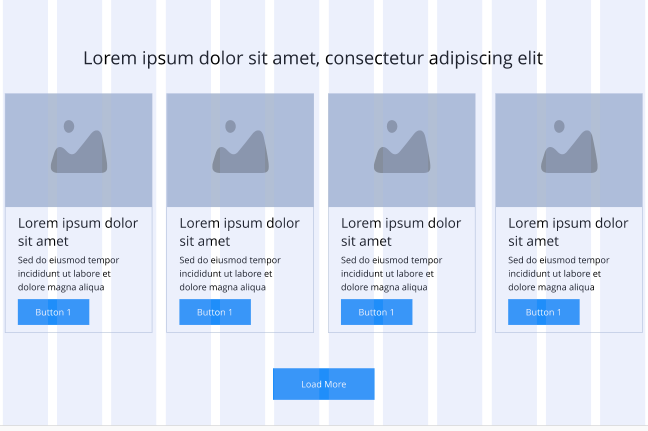
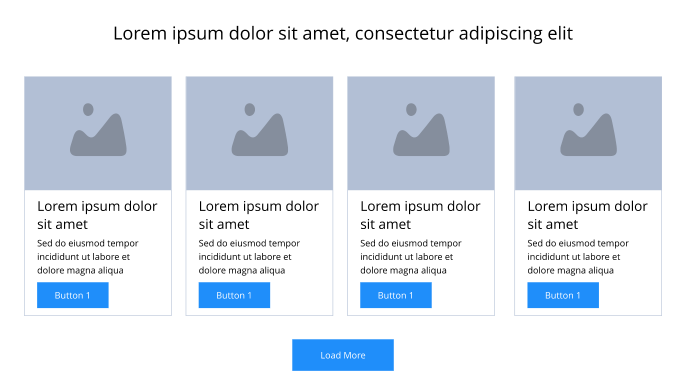
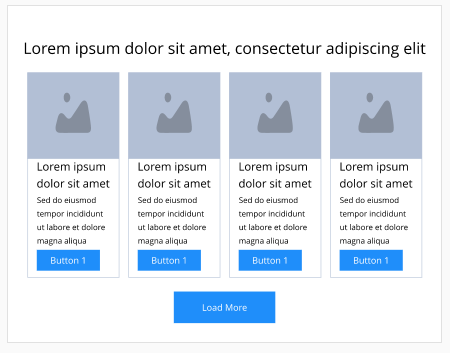
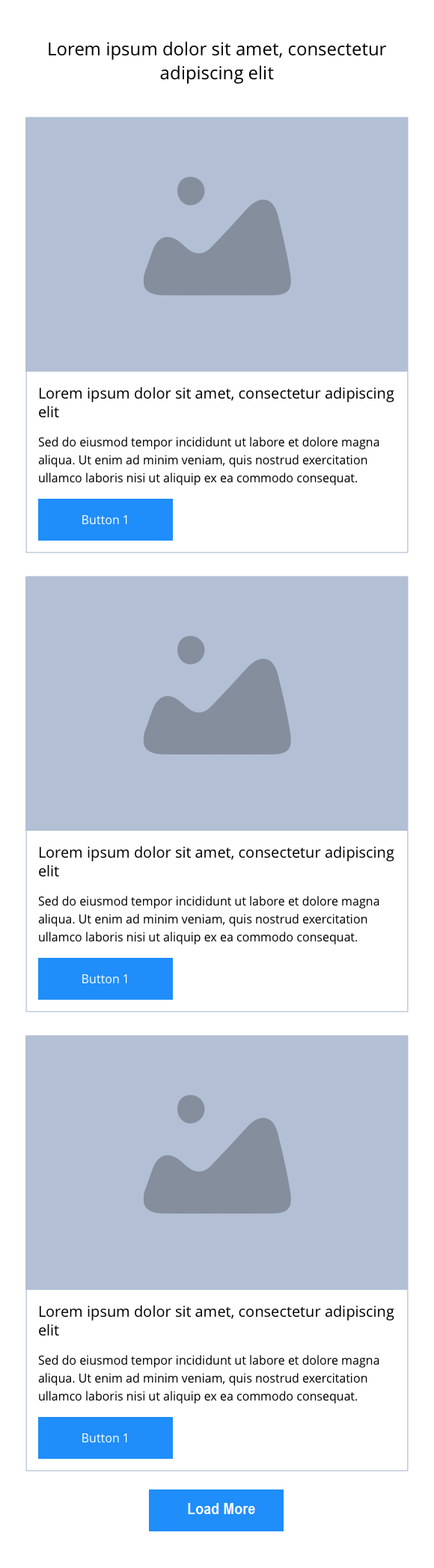
This provides guidance on the build, layout and content options for this component.
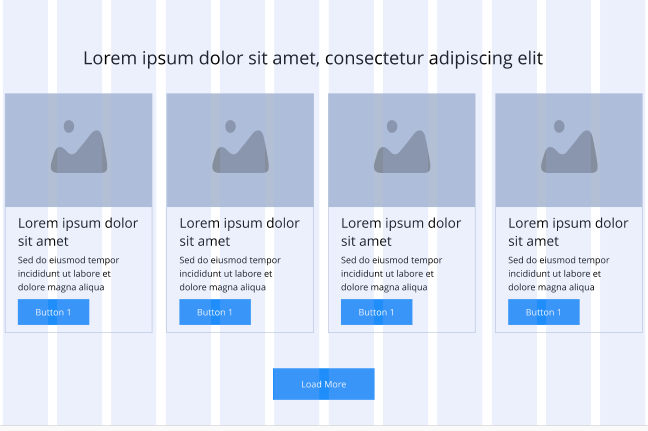
Entity Queue Configuration
| Component item | Requirement & purpose | Optional or mandatory | CMS options |
|---|---|---|---|
| Entity Queue Name | Content will be based on the entity queue machine name provided here. | Mandatory | Text input. |
| Load More Text | Entity queue will have load more button, to change the load button text this field is given. | Optional | Text input. |
| Load More Style | Allows user to set load more button link style | Optional | Button link 1 to 10, Text link 1 to 10 |
| Teaser items per row in view | Allows control of item to display in a row | Optional | 1 to 4 |
| Teaser rows visible on load more click | Allows editor to select rows to display on click of load more button | Optional | 1 to 4 |
| Hide Description | Allow editor to hide product description | Optional | Toggle Button |
| Hide Buttons | Allow editor to hide product buttons | Optional | Toggle Button |
| Hide review/ratings | Allow editor to hide product review/ratings | Optional | Toggle Button |
| Product teaser two column layout on mobile | Allow editor to enable two column layout at mobile break-point | Optional | Toggle Button |
| Heading Font Size | Allow user to set font-size for mobile break-point. This field will only be visible when Product teaser two column on mobile is enabled | Optional | Range Slider |