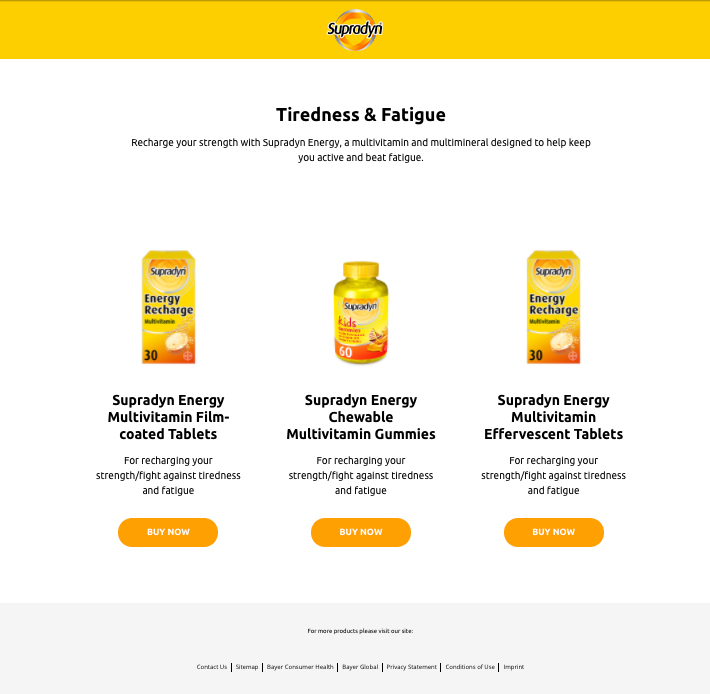
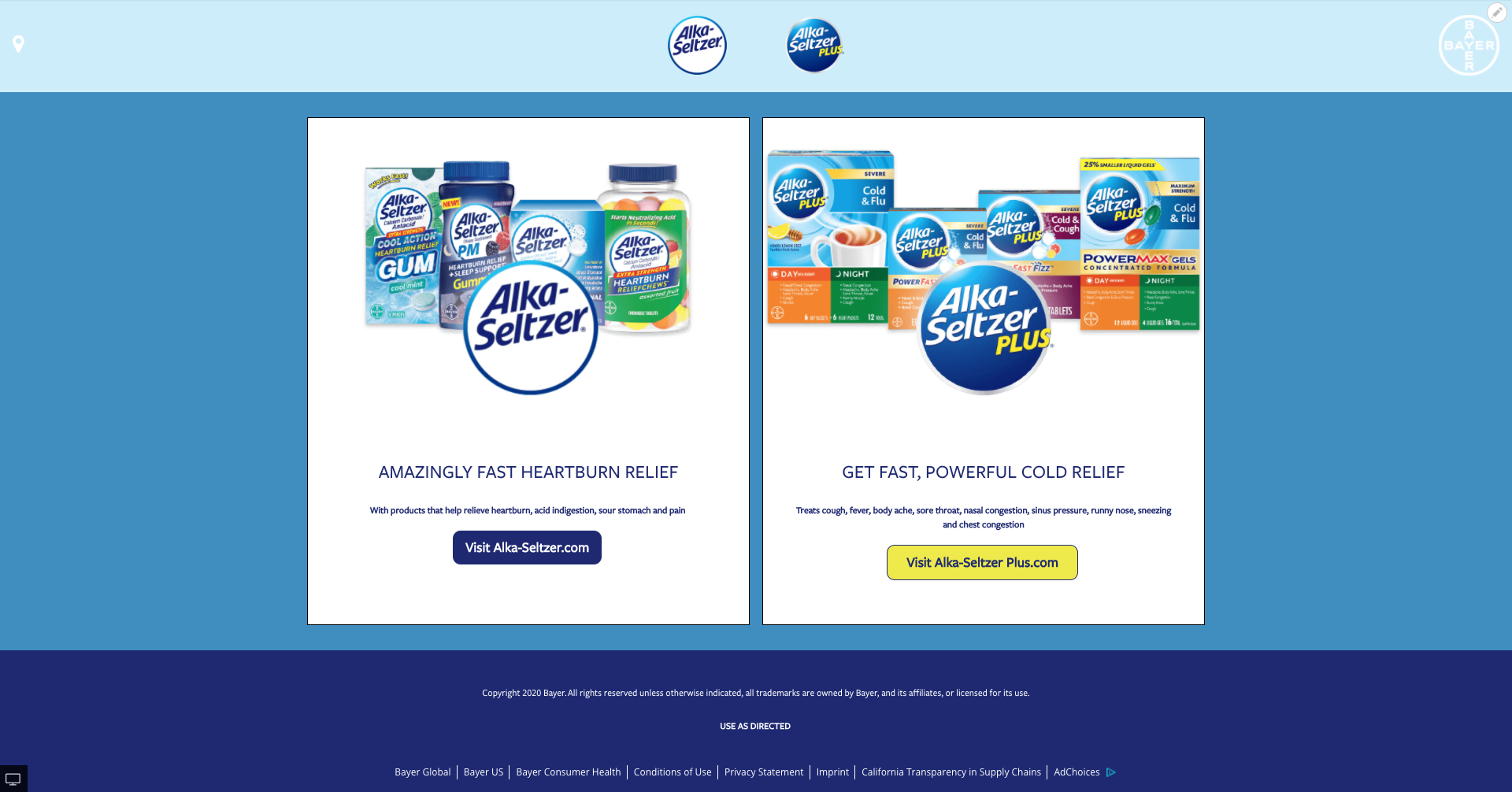
Landing Page
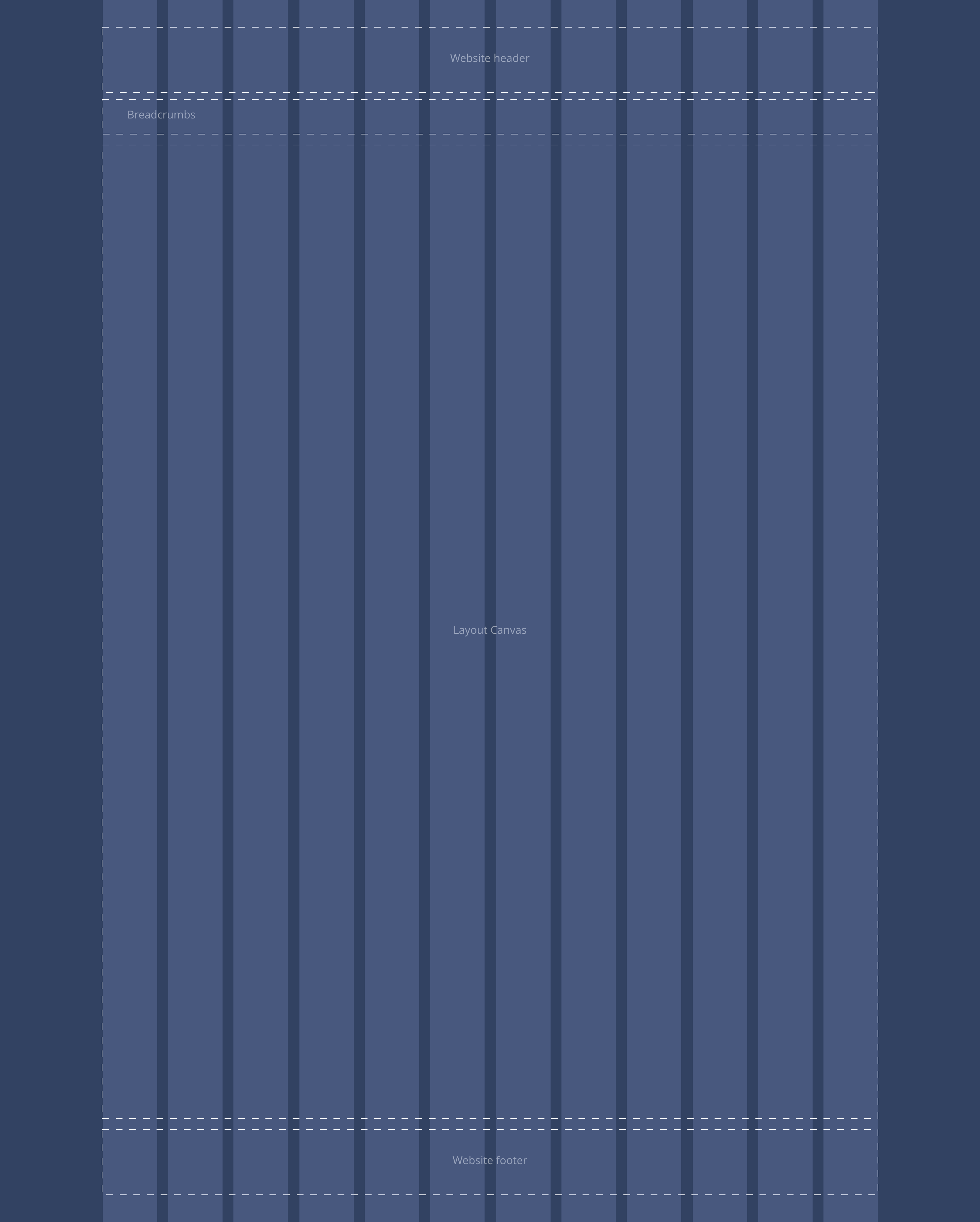
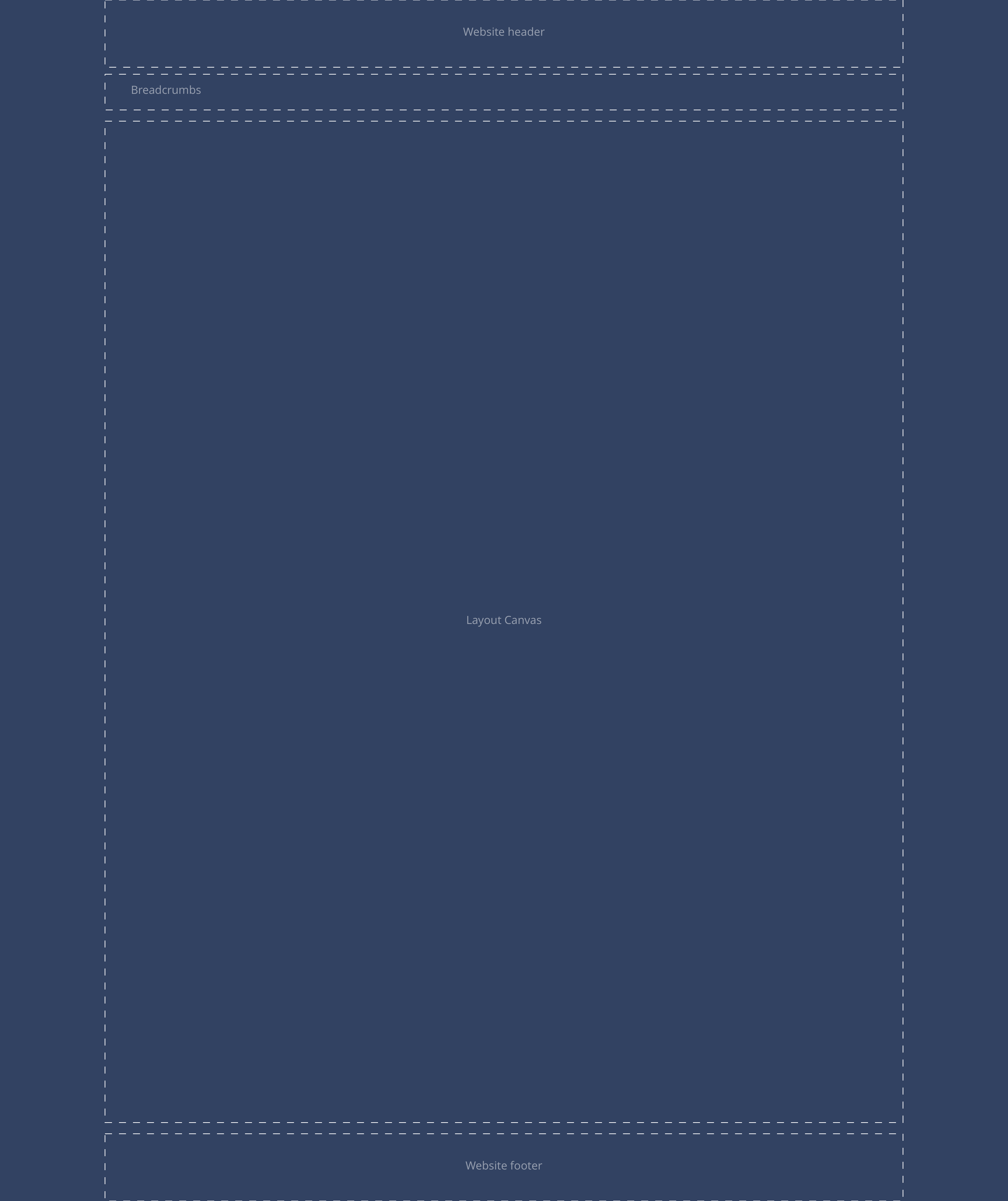
Landing Page content allows you to create a page with a predefined header and footer which is different from the regular brand header and footer. You have a layout canvas to place components and also a field to enter text into the footer.
- Overview
- Specification
- Style Guide Manager
- Examples in-situ
- Usage
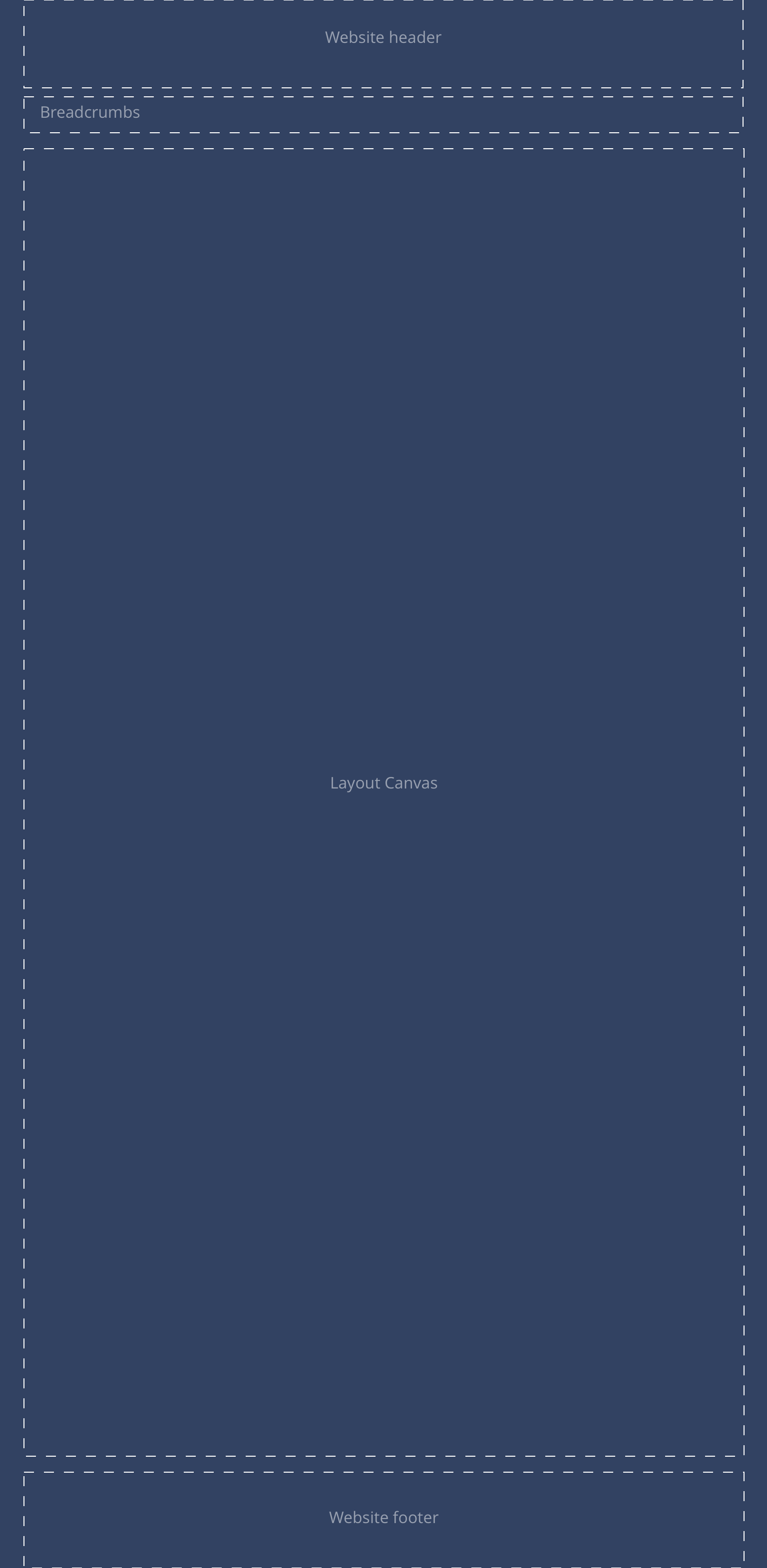
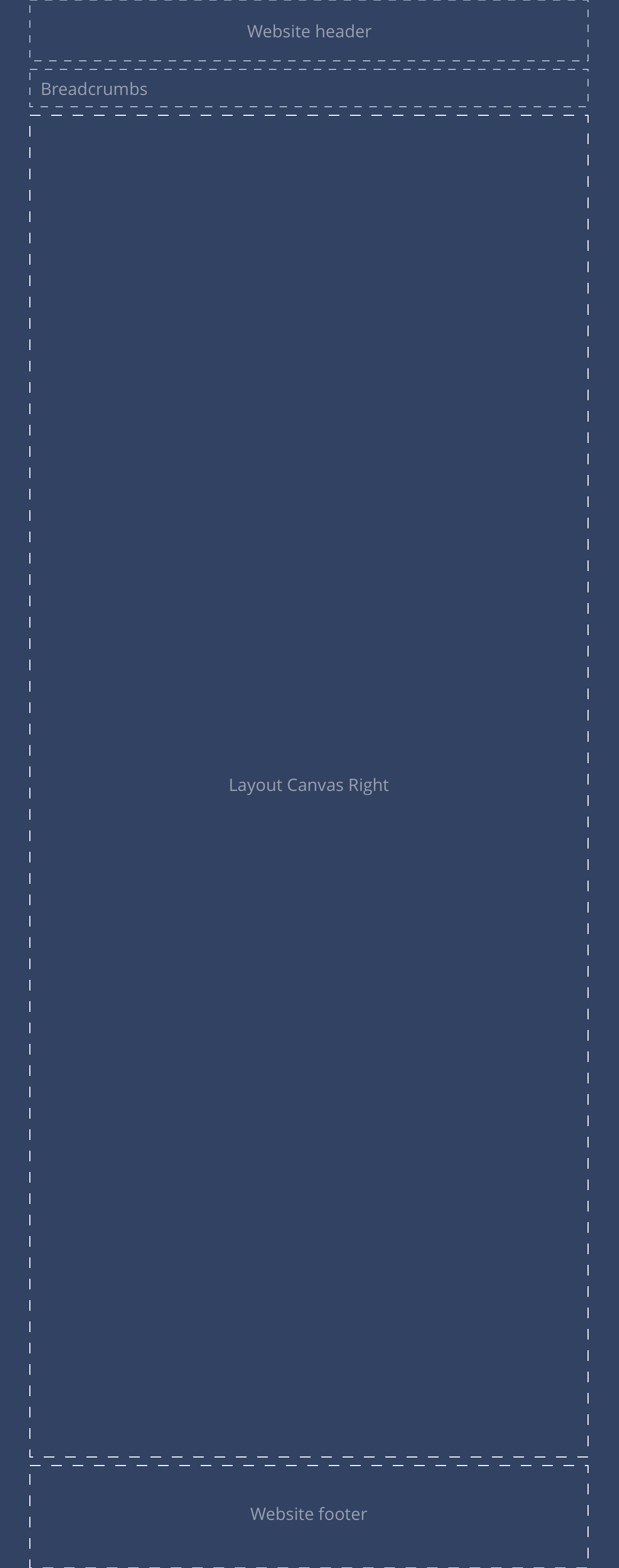
Page
This provides guidance on the build, layout and content options for this content type.
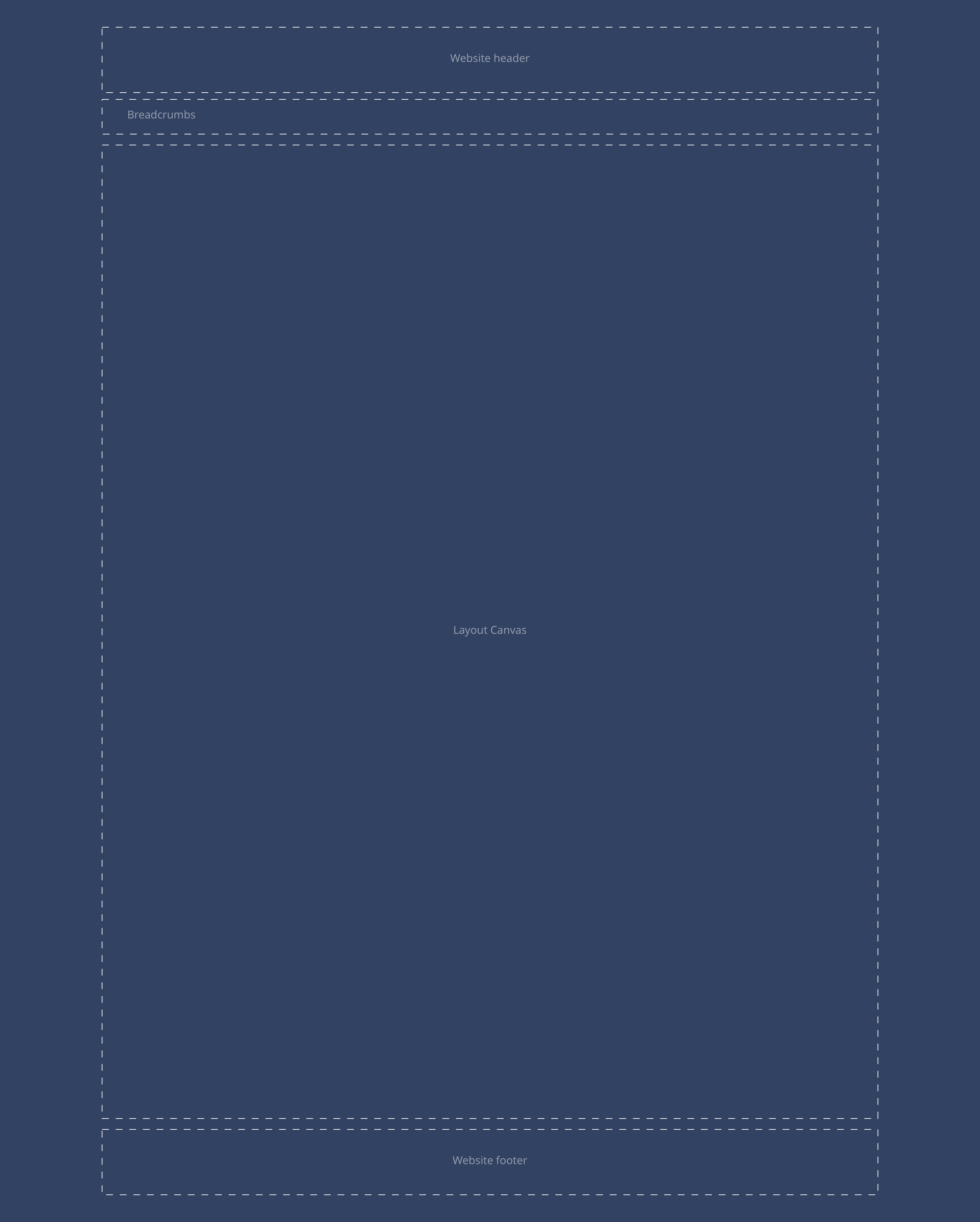
Layout specification
| Content type item | Requirement & purpose | Optional or mandatory | CMS options |
|---|---|---|---|
| Title | Allows the user to add a title to the Page. | Mandatory | Input field. |
| Layout Canvas | Allows the user to utilise all available components to achieve the brand designs. | n/a | Dropzone. |
| Footer text | Allows the user to add footer text to the page. | Optional | Input field. |
Header
| Component item | Requirement or purpose | Default | CMS options |
|---|---|---|---|
| Background colour | Sets the background colour for the header. | Grey | Choose from the colour palette. |
Footer
| Component item | Requirement or purpose | Default | CMS options |
|---|---|---|---|
| Background colour | Sets the background colour of the footer. | White | Choose from the colour palette. |
| Font colour | Sets the font colour of the footer (including icons). | Black | Choose from the colour palette. |