Style Guide at Sub theme
After spin up new site will have default style setup. If you need to apply customise branding style for specific pages you can do it following the next steps
As a admin to site , Modify the changes to theme as per the below steps
- Navigate to /admin/appearance/settings, the below page will open
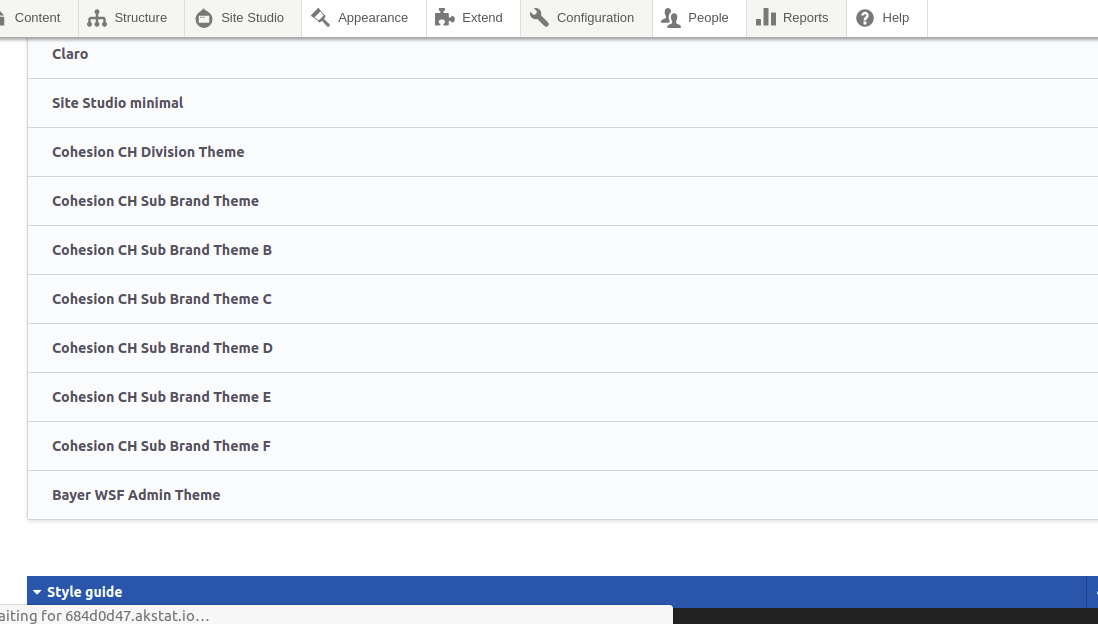
- Select any theme , by clicking on it , scroll down to SGM section , set the required changes to the theme
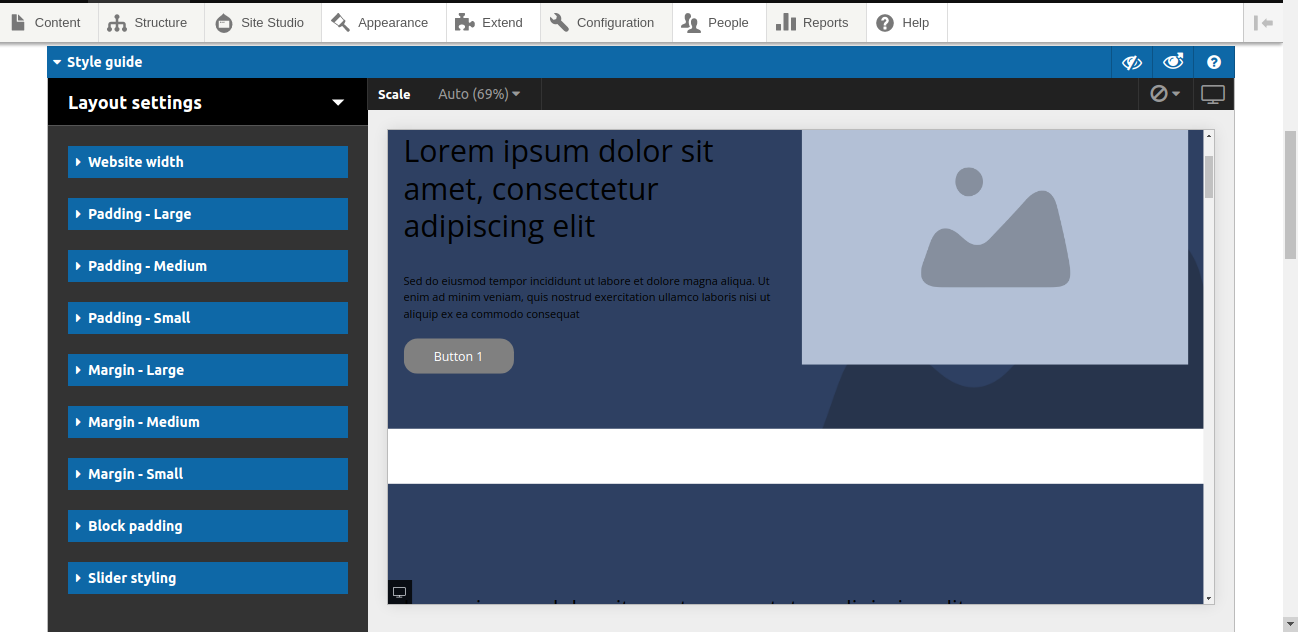
- As shown above set some background color of header / change the navigation link style etc ,. the applied changes will show at the right side section
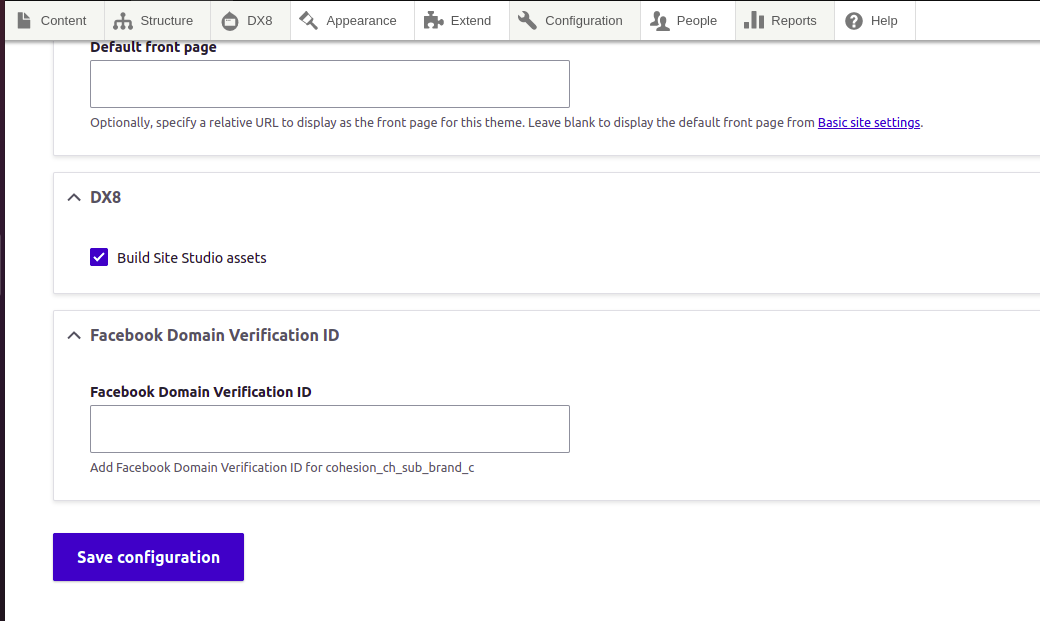
- under DX8/sitestudio option select Build Sitestudio Asset.
- Scroll down and click on Save configuration, rebuild the site if required.
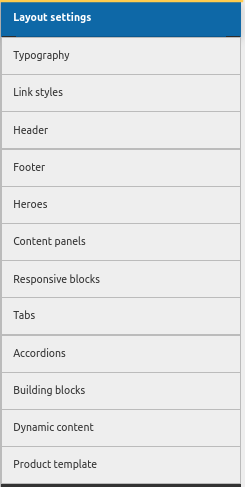
Different SGM settings available as following categories