Parallax Foreground Vertical Scrolling
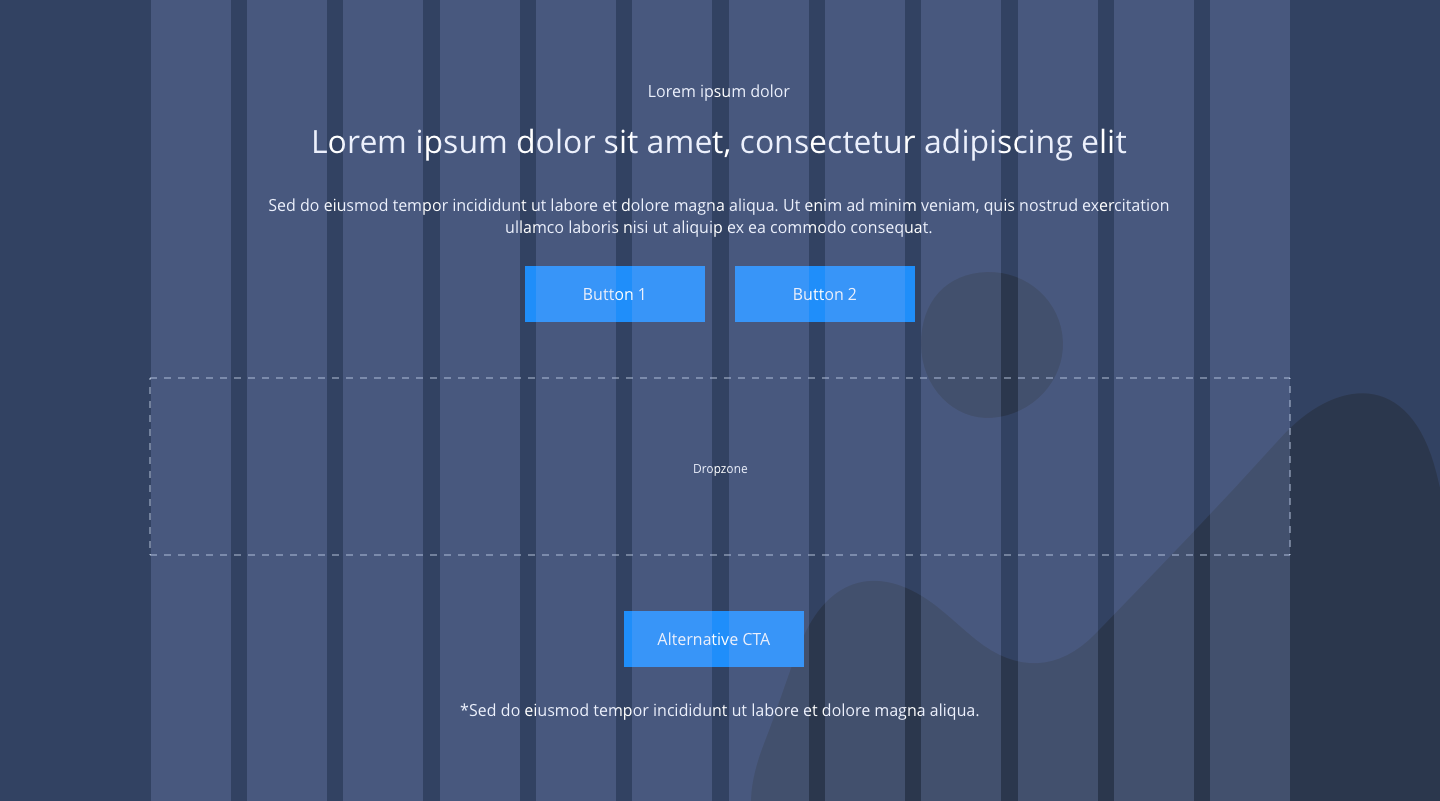
The Parallax Foreground Vertical Scrolling is made up of configurable elements, allowing for a range of customisation layouts with parallax in background.
It also contains a drop zone where you can drag and drop the responsive blocks.
- Overview
- Specification
- Examples in-situ
- Usage
Overview
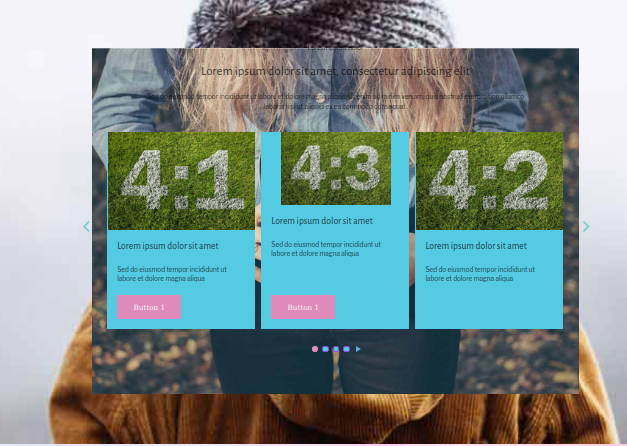
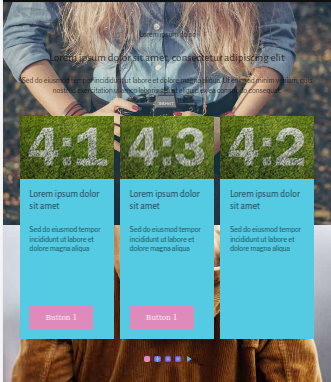
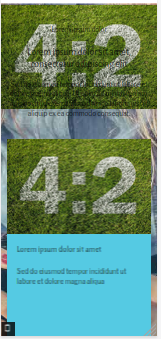
Responsive block dropzone spans 12 columns, within a container and the background image or colour is set to full width.
Desktop
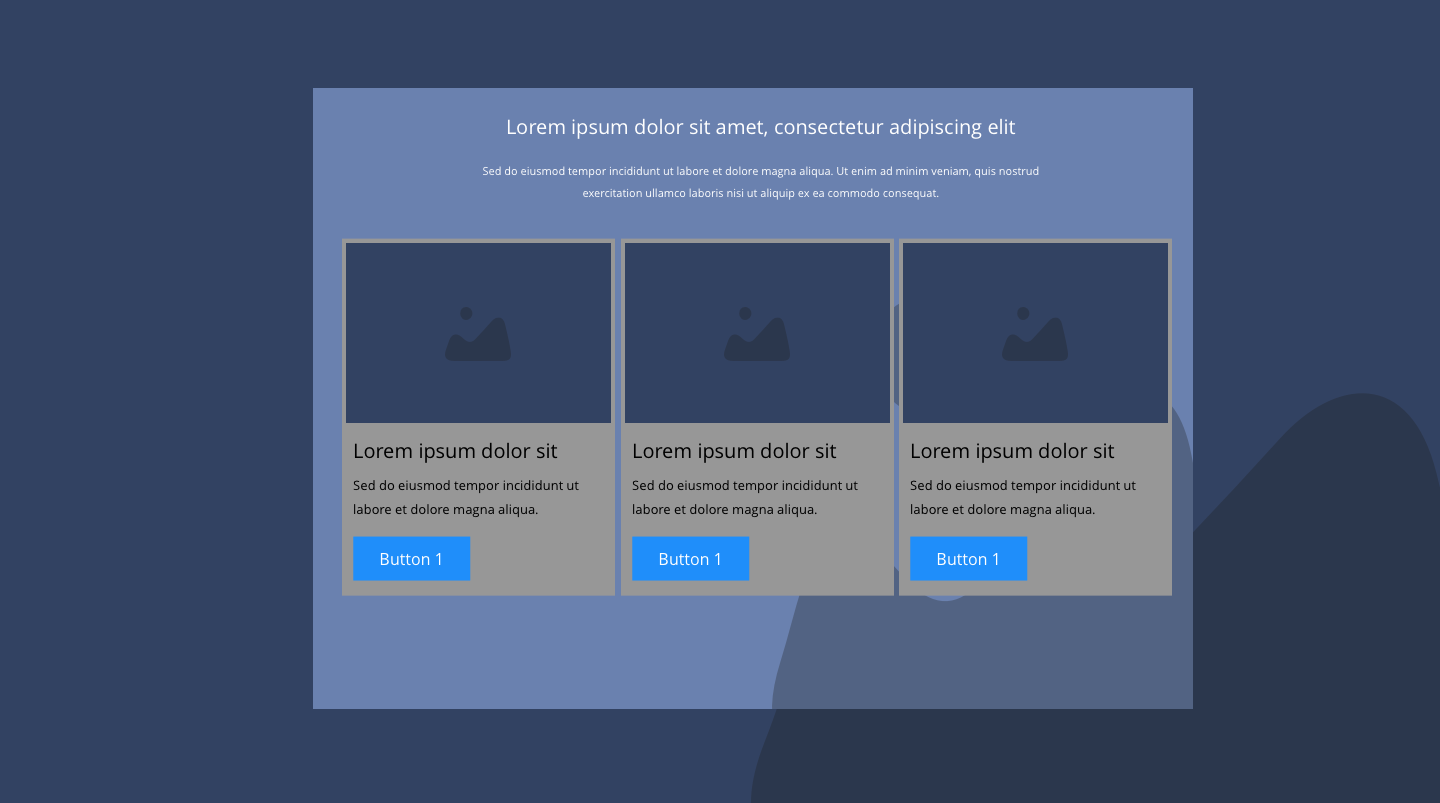
Desktop
Tablet
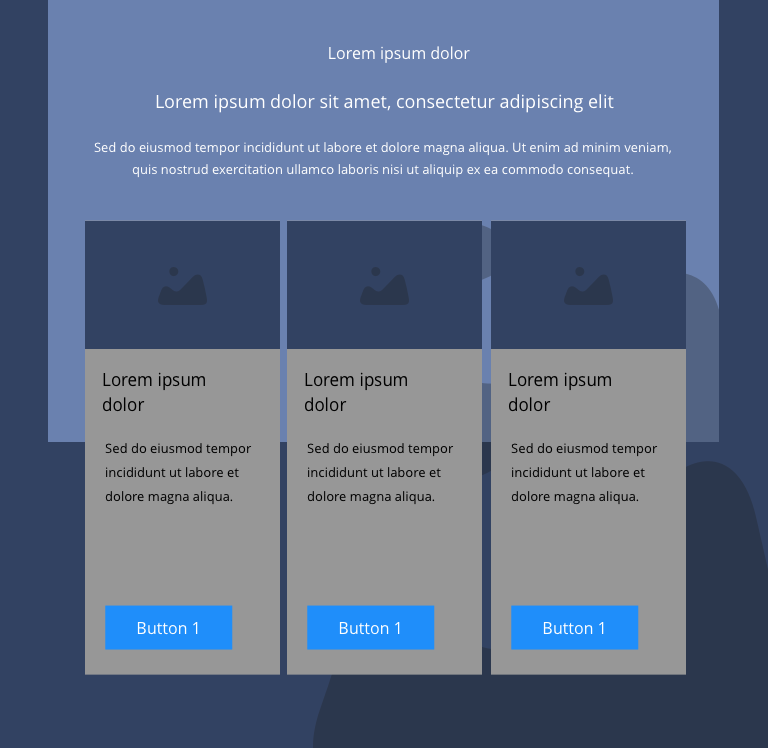
Tablet
Mobile
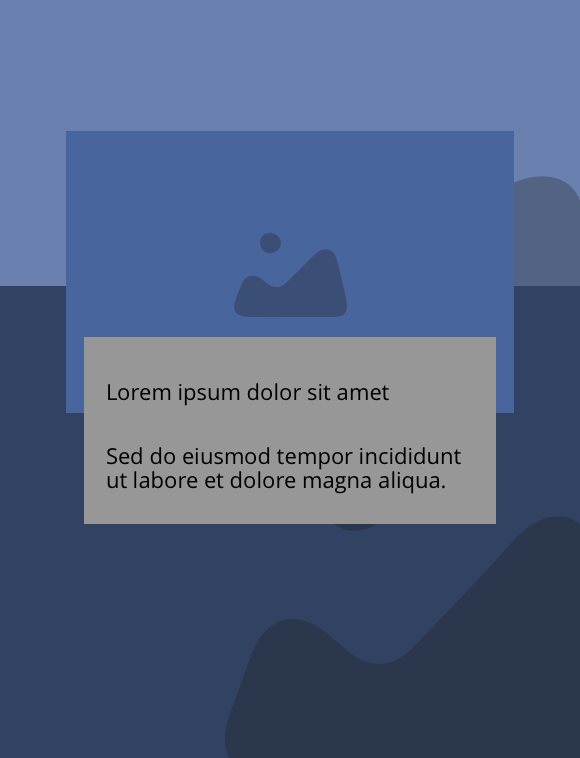
Mobile
This provides guidance on the build, layout and content options for this component.
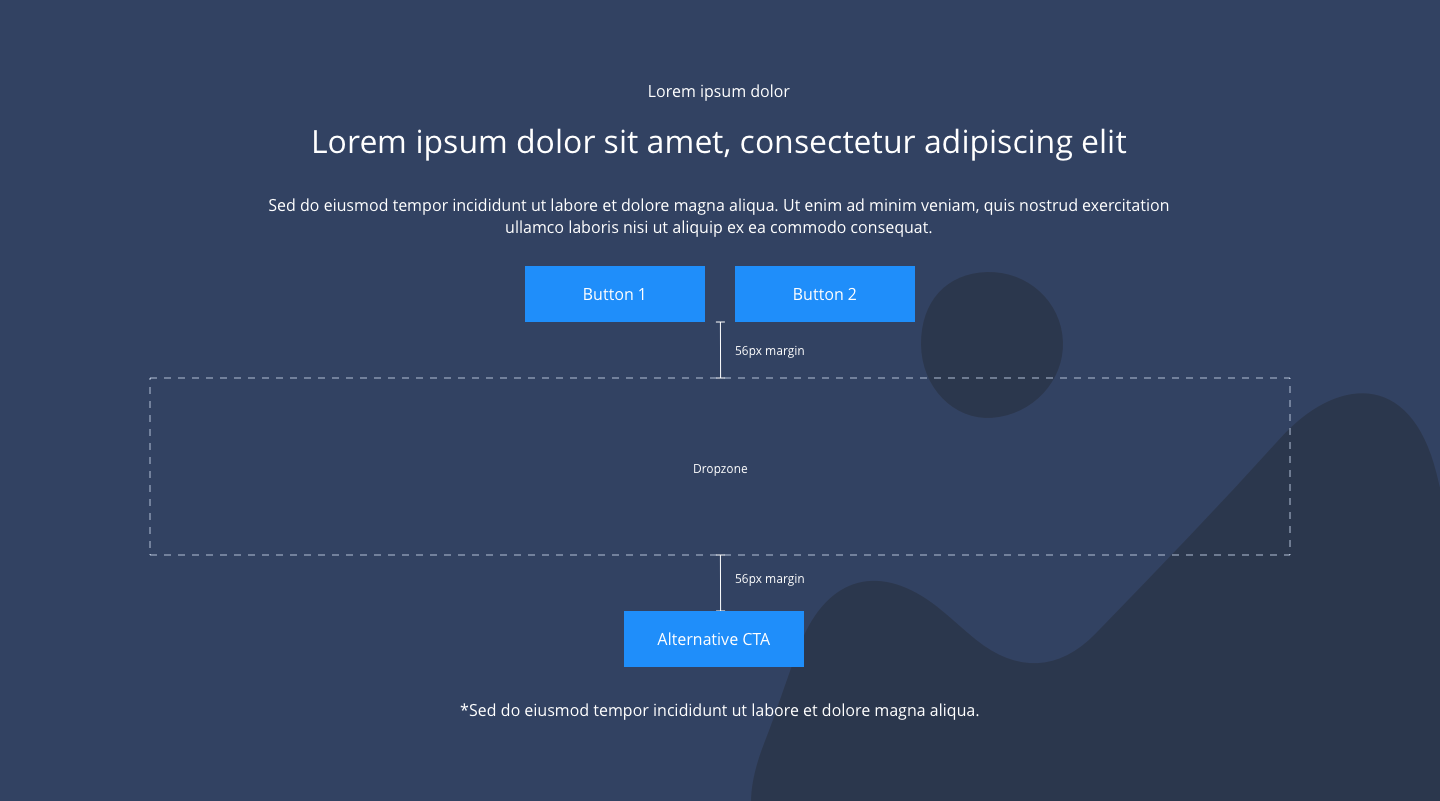
Layout specification
| Component item | Requirement & purpose | Optional or mandatory | CMS options |
|---|---|---|---|
| Background Height | To set height of the background. | Mandatory | auto |
| Desktop foreground image | Allows user to set a background image. | Mandatory | Image uploader |
| Mobile foreground image | Allows user to set a background image. | Optional | Image uploader |
| Desktop background image | Allows user to set a background image. | Mandatory | Image uploader. |
| Mobile background image | Allows user to set a background image. | Optional | Image uploader. |
| Background image aria label | The aria-label allows us to specify a string to be used as the accessible label. | Optional | Text input field |
| Parallax Factor | To set parallax factor on background (speed of the element’s parallax effect on scroll.). | Optional | Range slider |
| Lazy Load background | To turn/off on background lazy load | Optional | On/off. |
| Lazy Load foreground | To turn/off on foreground lazy load | Optional | On/off |
General usage dos and don'ts
| ✅ Dos | ❌ Don'ts |
|---|---|
| Ensure the text is legible. | Do not use a background image that makes the text hard to read. |
| Only use Responsive Blocks within the Parallax Background Vertical Scrolling | |
| Read our guidance on imagery. | |
| Read our guidance on the use of videos. | |
| Read our guidance on the use of WYSIWYGs. |