Cookie consent
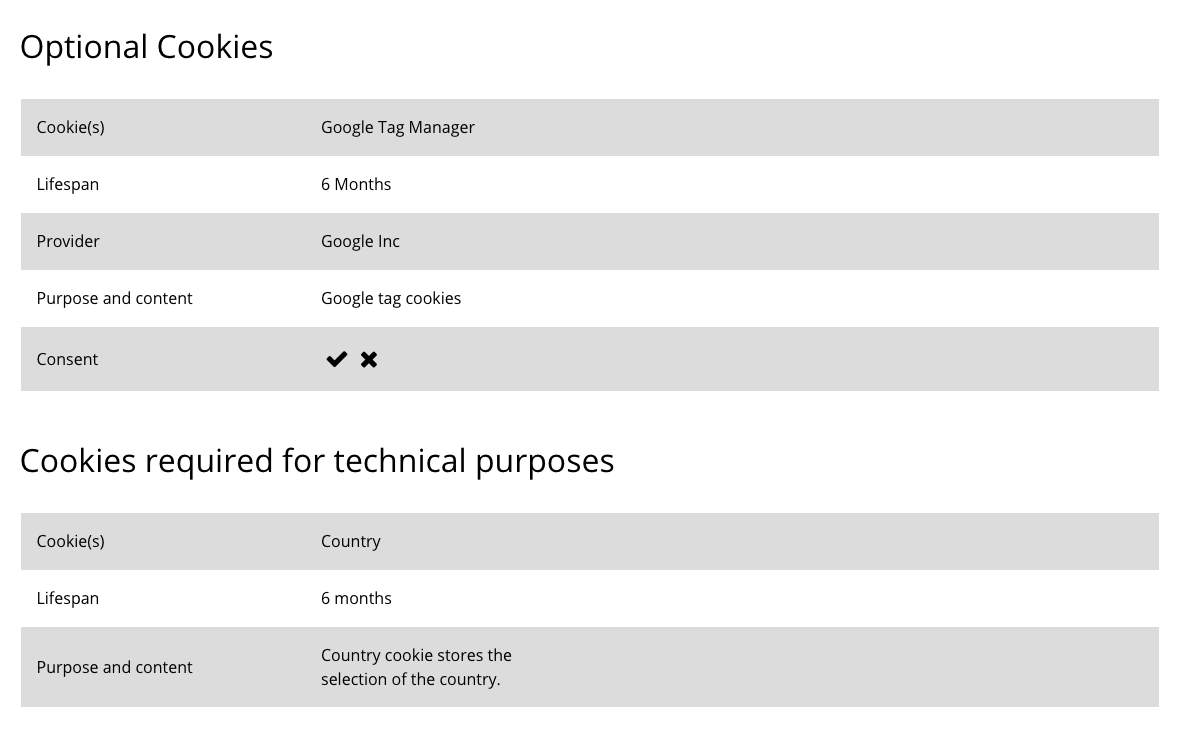
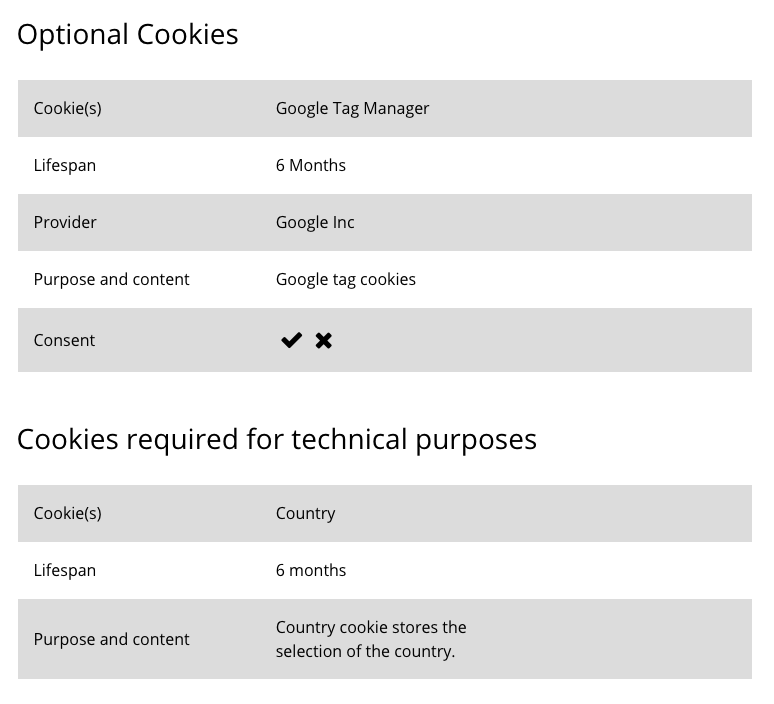
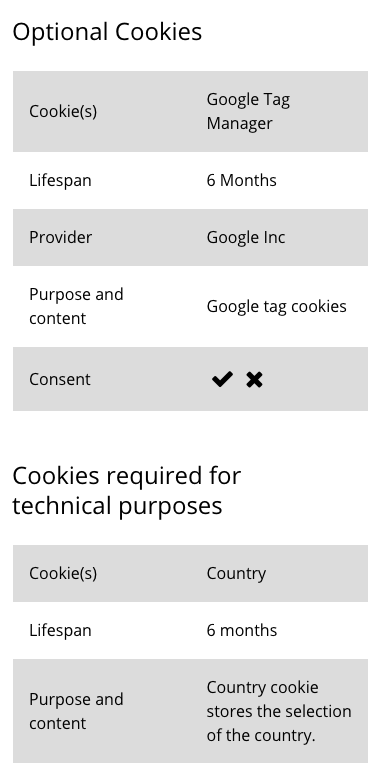
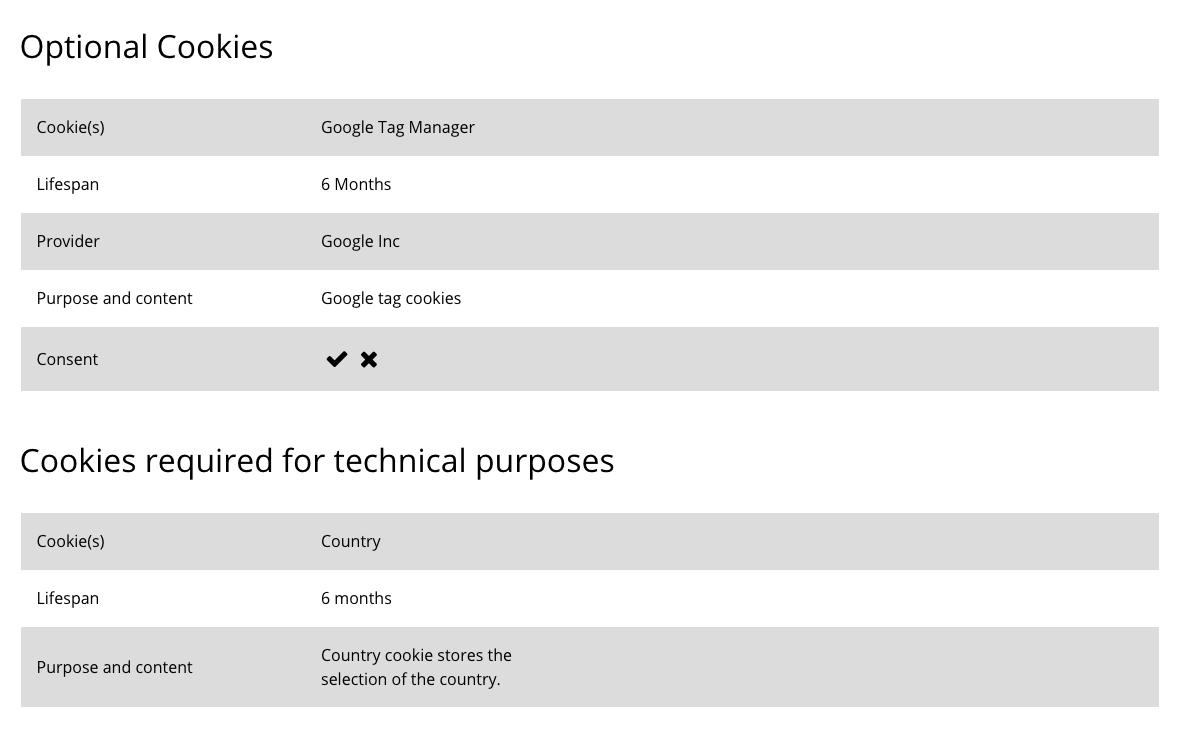
The Cookie consent component is used to allow the user to manage their cookie settings. The information is displayed in a table that is based on the global table styling. The Cookie consent component can be customised as described in the Specification tab below.
- Overview
- Specification
- Style Guide Manager
- Examples in-situ
- Usage
Specification
This provides guidance on the build, layout and content options for this component.
| Component item | Requirement & purpose | Optional or mandatory | CMS options |
|---|---|---|---|
| Accept icon | Allows user to set the accept icon. | Optional | FontAwesome f00c |
| Decline icon | Allows user to set the decline icon. | Optional | FontAwesome f00d |
| Default icon colour | Allows user to set the default icon colour for both icons. | Mandatory | Choose from colour palette. |
| Container width | Allows user to set if the component should be full width or sit within the grid. | Mandatory | Boxed width or full width. |
| Padding top and bottom | Allows control of the top and bottom spacing within this component. Set globally via the SGM. | Mandatory | Large, medium small or none. |
Interaction
These are the interactive aspects of the component.
| Interaction |
|---|
| Use can accept or decline optional cookies. |
There are no style guide settings for this component.
No current design examples.
General usage dos and don'ts
| ✅ Do's | ❌ Don'ts |
|---|---|
| ACCESSIBILITY When a table image must be used, there must be an alternative means of providing the information to non-visual agents such as a screen reader. The table image should also conform to the requirements for images with alt text attributes and contrast of at least 4.5:1. For small amounts of content, the alt text attribute may be sufficient. For extensive or detailed content, the long description attribute should be used. Consult with the development team for the best approach. | Do not use a background image that makes the text hard to read. |
| Whenever possible, we recommend the use of the table function rather than a table image to ensure this context can be crawled and indexed for search. | |
| The available rows and columns are flexible, but it is recommended that the UI of the small screen be considered when developing a table to ensure a good user experience and full context is provided to the detail of the table. |