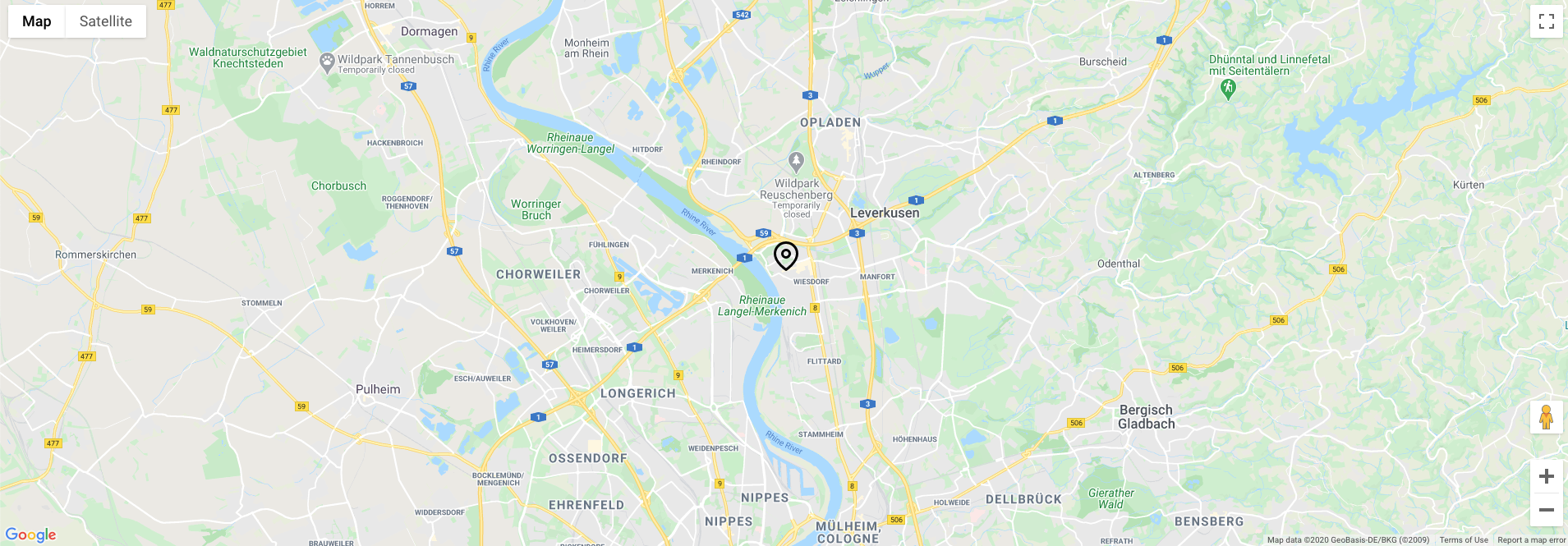
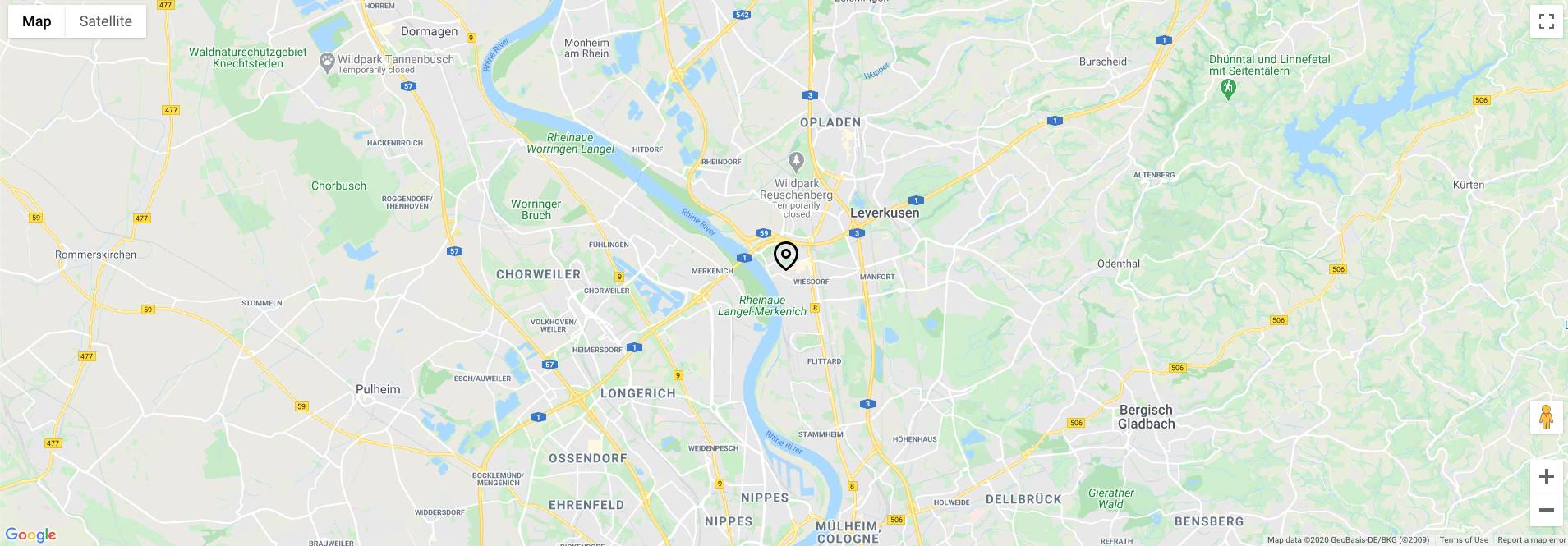
Google map
The Google map component is used to allow the user to feature Google maps on any page to show a singular location defined within the component. The information is displayed. The Google map component can be customised and styled as described in the Specification tab below.
- Overview
- Specification
- Style Guide Manager
- Example in Situ
- Usage
Specification
This provides guidance on the build, layout and content options for this component.
| Component item | Requirement & purpose | Optional or mandatory | CMS options |
|---|---|---|---|
| Latitude | Allows user to set the latitude for the map location. | Optional | n/a |
| Longtitude | Allows user to set the longtitude for the map location. | Optional | n/a |
| Zoom level | Allows user to set the default zoom level for the front end, this decides how zoomed in the map appears to the map marker. | Mandatory | Choose from dropdown (1 - 22) |
| Map marker | Allows user to upload and set a custom map marker icon/image. | Optional | Upload an image |
Interaction
All interactive elements are from the Google maps integration.
There are no style guide settings for this component.